How to Layer Christmas Heat Transfer Vinyl on Shirts
StudioSVG Team · October 31, 2026 · 5 min read
When you sit down to layer christmas heat transfer vinyl on shirts, the excitement of making a festive holiday outfit can quickly fade if a design misaligns or the fabric puckers under the heat. Multi-color projects require more than just pressing down and hoping for the best. Between the expansion of cotton under high temperatures and the thickness of stacked vinyl layers, small misalignments add up fast.
Whether you are crafting matching pajamas for family photos or stocking up your small shop with seasonal inventory, mastering multi-color application is the key to professional results. By understanding how different layers interact with heat and learning how to trim away hidden bulk, you will get crisp edges that survive multiple trips through the washing machine without lifting.
Why Multi-Color Holiday Shirts Deserve a Better Pressing Plan
When working with festive apparel, the sheer density of a multi-color graphic demands a structured approach. Multi-color projects require more than just pressing down and hoping for the best. Between the expansion of cotton under high temperatures and the thickness of stacked vinyl layers, small misalignments add up fast.
Whether you are crafting matching pajamas for family photos or stocking up your small shop with seasonal inventory, mastering multi-color application is the key to professional results. By understanding how different layers interact with heat and learning how to trim away hidden bulk, you will get crisp edges that survive multiple trips through the washing machine without lifting.
Getting Your Cut Files Ready in Cricut Design Space or Silhouette Studio
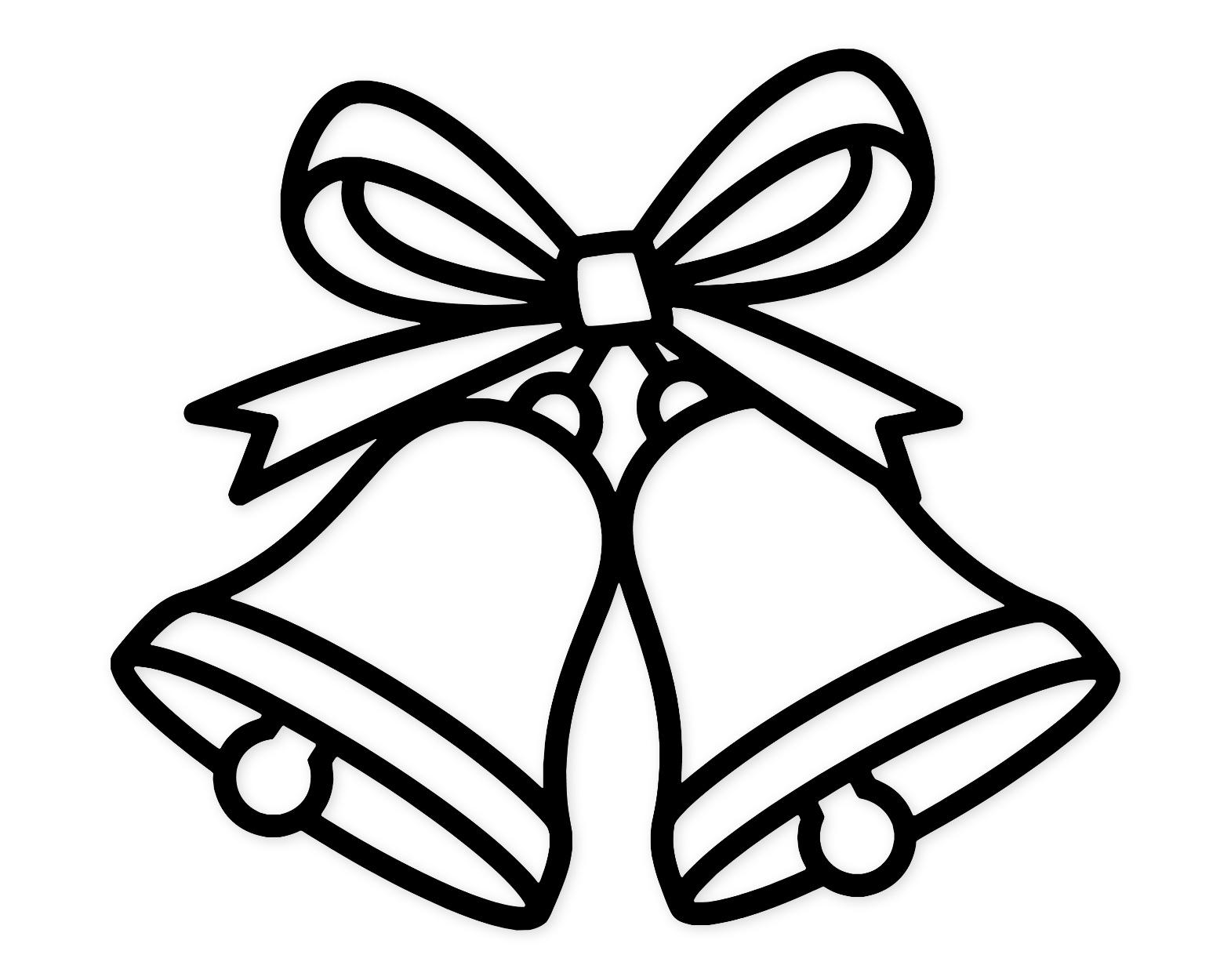
Successful garment decorating starts long before your machine starts cutting. When you download a multi-color file like the Christmas Bells Svg Png: Cut Ready Digital Design For Cricut Silhouette, your software handles the individual color layers. Before sending anything to your cutter, take a few minutes to inspect how those layers sit against one another.
If you want to create a custom graphic that is not yet in vector format, you can use the Layered SVG maker to break apart your own multicolored art into separate cut files before importing them into your cutting software.
Here is how to prep your files cleanly:
- Ungroup the design elements by color so you can assign separate cutting mats in your software.
- Inspect areas where colors overlap. Standard vinyl adds thickness, so reducing overlapping areas prevents heavy ridges on the shirt.
- Always perform a test cut on a scrap piece of vinyl, especially when working with intricate details found in files like the Merry Christmas Text Svg Png: Cut Ready Digital Design For Cricut Silhouette.
Smart Layering Strategies to Eliminate Puckering
Puckering happens when the fabric beneath the vinyl shrinks or warps due to uneven pressure and trapped moisture. To keep your fabric flat and your lines sharp, you need a strategy that minimizes how many times a single area of the shirt gets blasted with high heat.
- Trim the under-layers: Wherever a top layer covers a bottom layer, trim away the hidden vinyl inside the overlap by a fraction of a millimeter. This prevents thick, bulky ridges that trap air pockets.
- Mind your vinyl types: Standard smooth polyurethane vinyl layers easily on top of itself. However, specialty finishes like glitter or metallic vinyl generally cannot accept another layer on top of them. Always place specialty vinyl as the final top layer.
If you are exploring more seasonal ideas to add to your handmade collection, browse the full Christmas & Winter SVG cut file collection for inspiration on your next project.
Step-by-Step Pressing and Tack-Pressing Techniques
When you layer christmas heat transfer vinyl on shirts, tack-pressing is your secret weapon. Instead of giving every single color a full dwell time of fifteen seconds, you will use quick, minimal heat bursts for the background pieces and save the full press for the very end.
Follow this workflow for a flawless finish:
- Pre-press your blank garment for five seconds to release trapped moisture and flatten wrinkles.
- Position your base layer, cover with a protective sheet, and tack-press for only two to three seconds. Just enough for the carrier sheet to peel away cleanly without fully curing the adhesive.
- Peel the carrier sheet while warm, then place your next color layer, taking careful measurements against collar seams or shirt centers.
- Repeat the quick tack-press for intermediate layers.
- Place the final top layer, apply your full recommended pressing time and temperature, and peel according to your specific vinyl manufacturer instructions.
Troubleshooting Common Heat Transfer Vinyl Slip-Ups
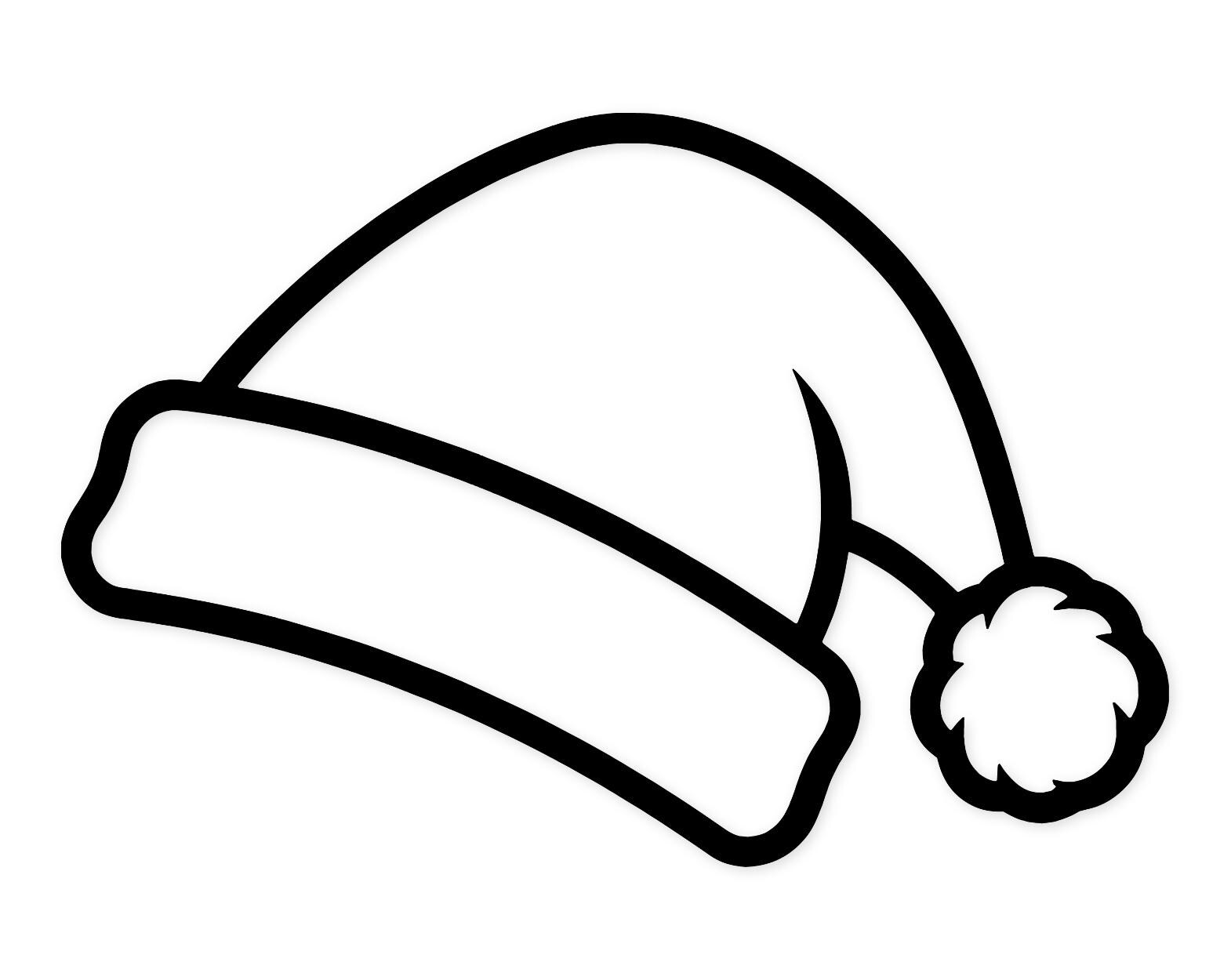
Even with careful alignment, things can occasionally shift during the pressing process. Bold designs like the Santa Hat Svg Png: Bold Outline Design For Holiday Crafts leave little room for error if edges slip out of place.
Keep these quick fixes in mind:
- If a corner lifts during peeling: Lay the carrier sheet back down immediately, repress for a few seconds, and let it cool slightly before trying again.
- If you notice tiny air bubbles: Take a sharp crafting pin, puncture the bubble at a shallow angle, and press down firmly with a household iron tip or mini press using a protective cover sheet.
- If the fabric looks shiny: You used too much heat or pressure. Always use a teflon sheet or parchment paper barrier to protect both your garment fibers and the top vinyl carrier sheet.
Frequently Asked Questions
Can I layer any type of heat transfer vinyl?
No. Standard smooth polyurethane vinyl is designed for multi-layer applications. Glitter, flock, and metallic finishes have textured surfaces that prevent other layers from sticking reliably on top of them. Always plan your design so specialty finishes are the final top layer.
Why is my vinyl peeling up after washing?
Peeling usually indicates insufficient heat, uneven pressure, or moisture trapped in the fabric during application. Always pre-press your shirt to remove moisture, and make sure your final press meets the full time and temperature requirements specified by your vinyl brand.
Should I hot peel or cold peel when layering?
For intermediate layers during a multi-color press, a warm or hot peel is usually best so you can quickly align the next piece without cooling the entire shirt down. For the final layer, follow the specific instructions of the vinyl manufacturer.
How do I center complex multi-color designs accurately?
Fold your shirt in half vertically and give the center line a quick press with your iron to crease it. You can do the same to your vinyl carrier sheet by gently folding it in half to match the crease points before pressing.
Final Thoughts on Holiday Shirt Production
Taking the time to plan your color order, trim hidden overlaps, and use quick tack-presses will completely transform how your holiday garments turn out. When you learn how to layer christmas heat transfer vinyl on shirts with intention and patience, you get professional boutique quality right at your craft table. Enjoy bringing your festive cut files to life this season.