SVG vs PNG vs DXF vs EPS: Which Cut File Do You Need?
StudioSVG Team · October 31, 2026 · 5 min read
Why File Formats Matter for Your Craft Machine
When you download a new design for your craft room, you are often greeted by a folder full of different file extensions. If you have ever stared at your screen wondering whether to upload an SVG, a PNG, a DXF, or an EPS, you are definitely not alone. Having an svg vs png vs dxf vs eps cut files explained clearly saves you from frustrating software errors, jagged cut lines, and wasted vinyl.
Every craft machine and design software speaks a slightly different language. Your Cricut, Silhouette, or laser cutter interprets these file types in distinct ways. Knowing which format to grab from your download folder means your project goes from canvas to machine smoothly every single time, whether you are making layered cardstock art, custom mugs, or wooden signs.
SVG: The Gold Standard for Cricut and Laser Cutters
SVG stands for Scalable Vector Graphics, and it is hands down the best format to use if you work with Cricut Design Space or a laser cutter. Unlike pixel-based images, vectors are made of mathematical paths, nodes, and curves. This means you can resize an SVG design as small as a postage stamp or as large as a wall mural without losing a single drop of crispness.
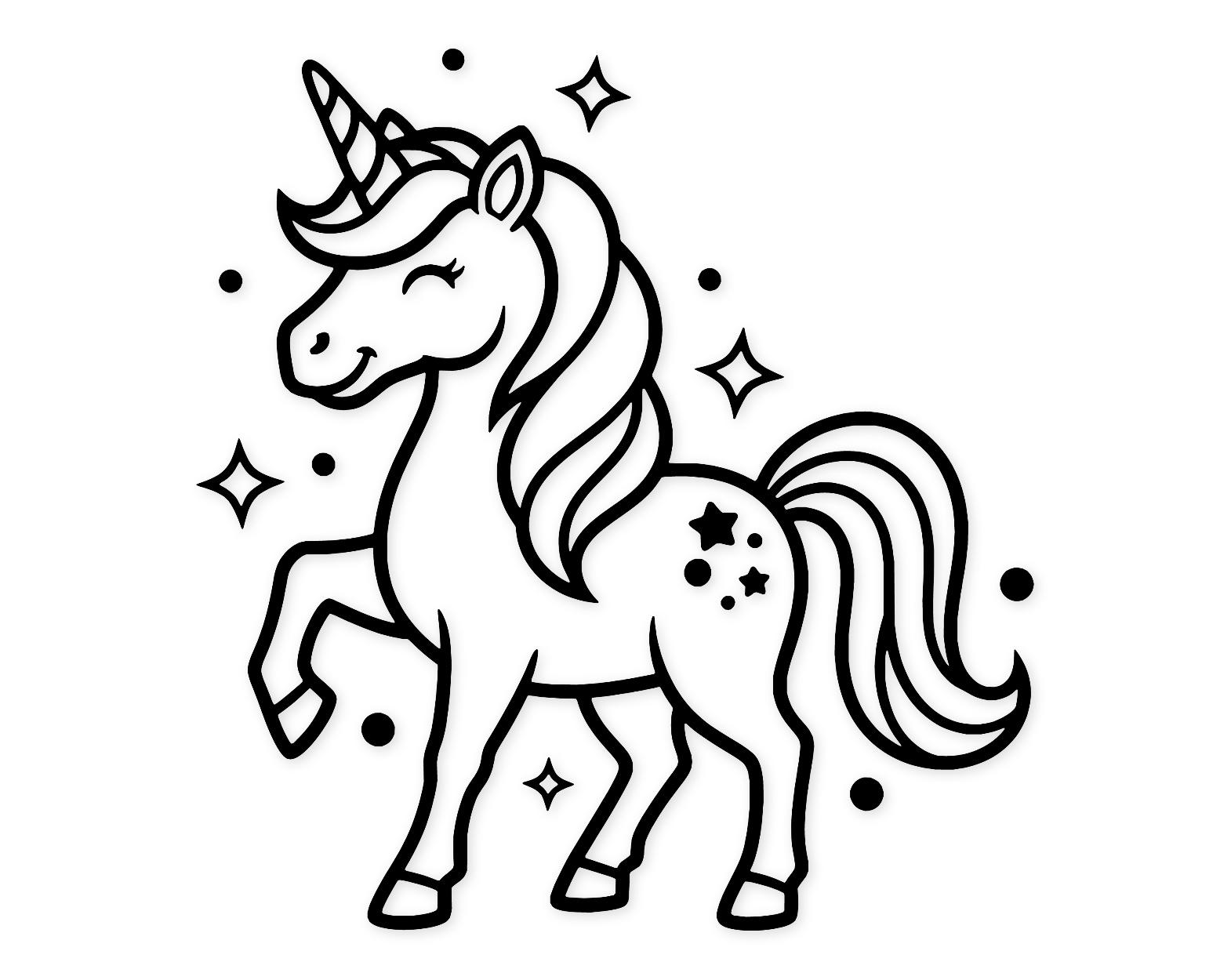
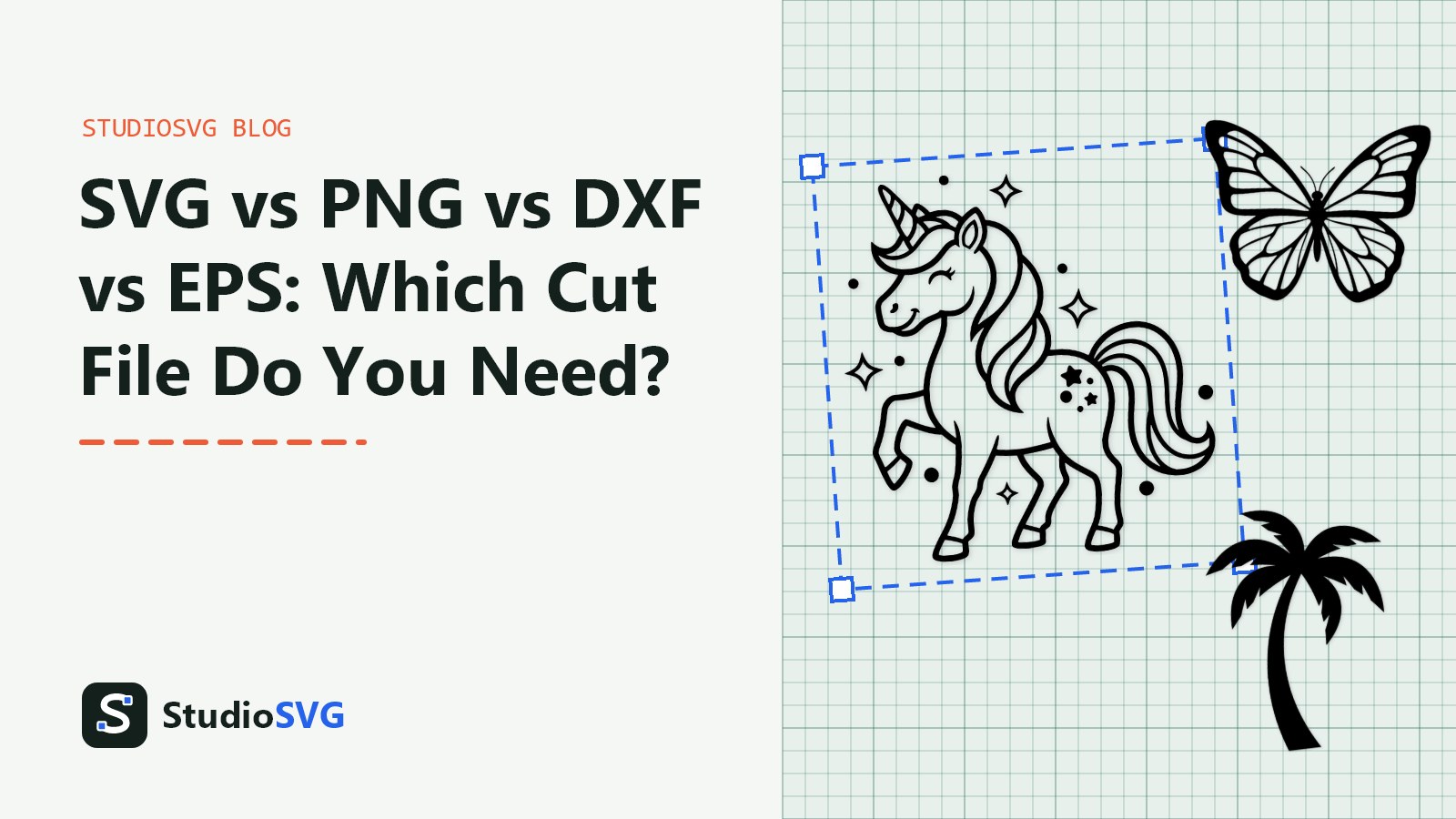
When you open an SVG file, your machine automatically reads the cut lines. For example, downloading the Enchanting Unicorn Svg Png: Cut Ready Digital Design For Cricut Silhouette means the horn, mane, and body elements load onto your canvas as distinct, ready-to-cut layers. You do not need to trace anything or spend precious time cleaning up a background.
If you have an image that only comes in a raster format, you can easily turn it into a clean vector using the Image to SVG converter on our companion site. This tool builds proper cut lines in seconds, making it ideal for preparing custom graphics for your next crafting session.
PNG: Best for Print Then Cut and Simple Silhouettes
PNG stands for Portable Network Graphics. It is a raster image format made up of a grid of tiny colored squares called pixels. Because PNG files can feature transparent backgrounds, they are the undisputed champions for Print Then Cut projects in Cricut Design Space and Silhouette Studio.
When you want to print full-color artwork on your inkjet printer and have your machine cut around the border, a high-resolution PNG is exactly what you need. However, there is a catch. If you try to send a plain black-and-white PNG directly to your machine for standard cutting without using a trace function, your machine will only see a flat image rather than distinct cut paths.
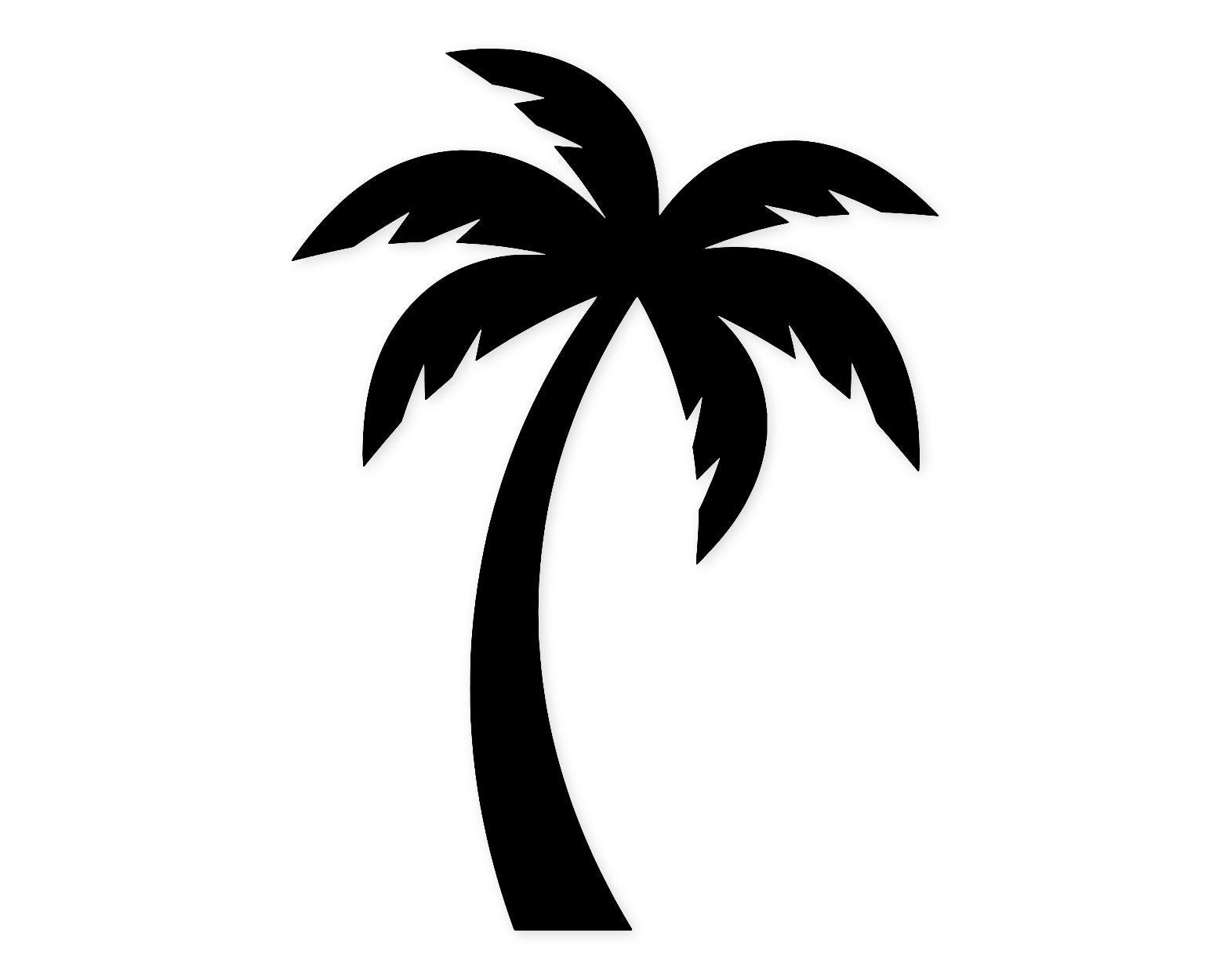
When working with simpler graphics like the Palm Tree Silhouette Svg Png: Cut Ready Digital Design For Cricut Silhouette, the included PNG works wonderfully if you want to print stickers. If you are cutting vinyl, though, you will always want to reach for the companion SVG version in your download folder.
DXF and EPS: Specialized Formats for Silhouette Basic and Vector Purists
While SVG files rule the roost, other formats hold specific places in the crafting world. DXF stands for Drawing Exchange Format. It was originally created by Autodesk for computer-aided design, but it has a massive following among crafters who use the free, basic version of Silhouette Studio.
Because the free edition of Silhouette Studio does not support SVG files unless you upgrade your software, DXF files step in to save the day. They open smoothly in the basic software, providing line work that your Silhouette machine can follow. Just keep in mind that DXF files often import shapes as individual disconnected lines rather than filled objects, so you may need to weld your paths before sending them to cut.
EPS, which stands for Encapsulated PostScript, is another vector format. You will rarely need this one for a standard Cricut project, but professional graphic designers and vector purists love EPS files for editing in advanced software like Adobe Illustrator or Inkscape. You can explore more inspiration across our Fantasy & Magic collection to see how different file types come together in finished physical projects.
svg vs png vs dxf vs eps cut files explained in a Quick Comparison Chart
Keep this handy breakdown nearby the next time you unpack a new design bundle for your craft table.
| File Format | Type | Best Used For | Ideal Software |
|---|---|---|---|
| SVG | Vector | Standard vinyl, cardstock, and laser cutting | Cricut Design Space, Silhouette Designer Edition, Inkscape |
| PNG | Raster | Print Then Cut stickers, sublimation, mockups | Any design software or standard printer driver |
| DXF | Vector | Basic Silhouette software cutting | Silhouette Studio Basic Edition |
| EPS | Vector | Advanced vector editing and professional printing | Adobe Illustrator, Inkscape |
Frequently asked questions
Why won't my Cricut upload my PNG file properly?
If your PNG is uploading as a single flat square with a white background, it was likely saved without transparency. When you bring it into your design software, make sure to use the automatic background remover tool or select the magic wand feature to clear out the negative space before proceeding to the cut screen.
Can I use an SVG file in the free version of Silhouette Studio?
By default, the free, basic version of Silhouette Studio does not open SVG files. You will need to use the DXF file format included in your StudioSVG download folder, or consider upgrading your software tier if you prefer working with native vector files.
What is the difference between a vector and a raster image?
Raster images like PNGs are made of pixels and will become pixelated or blurry if you stretch them too large. Vector images like SVGs are made of mathematical equations and lines, meaning you can scale them infinitely without losing any edge sharpness.
How do I know which file to use for a layered vinyl project?
Always choose the SVG file for layered projects, such as designs found in our Flowers & Plants gallery. The SVG separates each color element onto its own distinct layer, making it simple to assign different vinyl colors and arrange your alignment mats.
Choosing the Right File Every Time
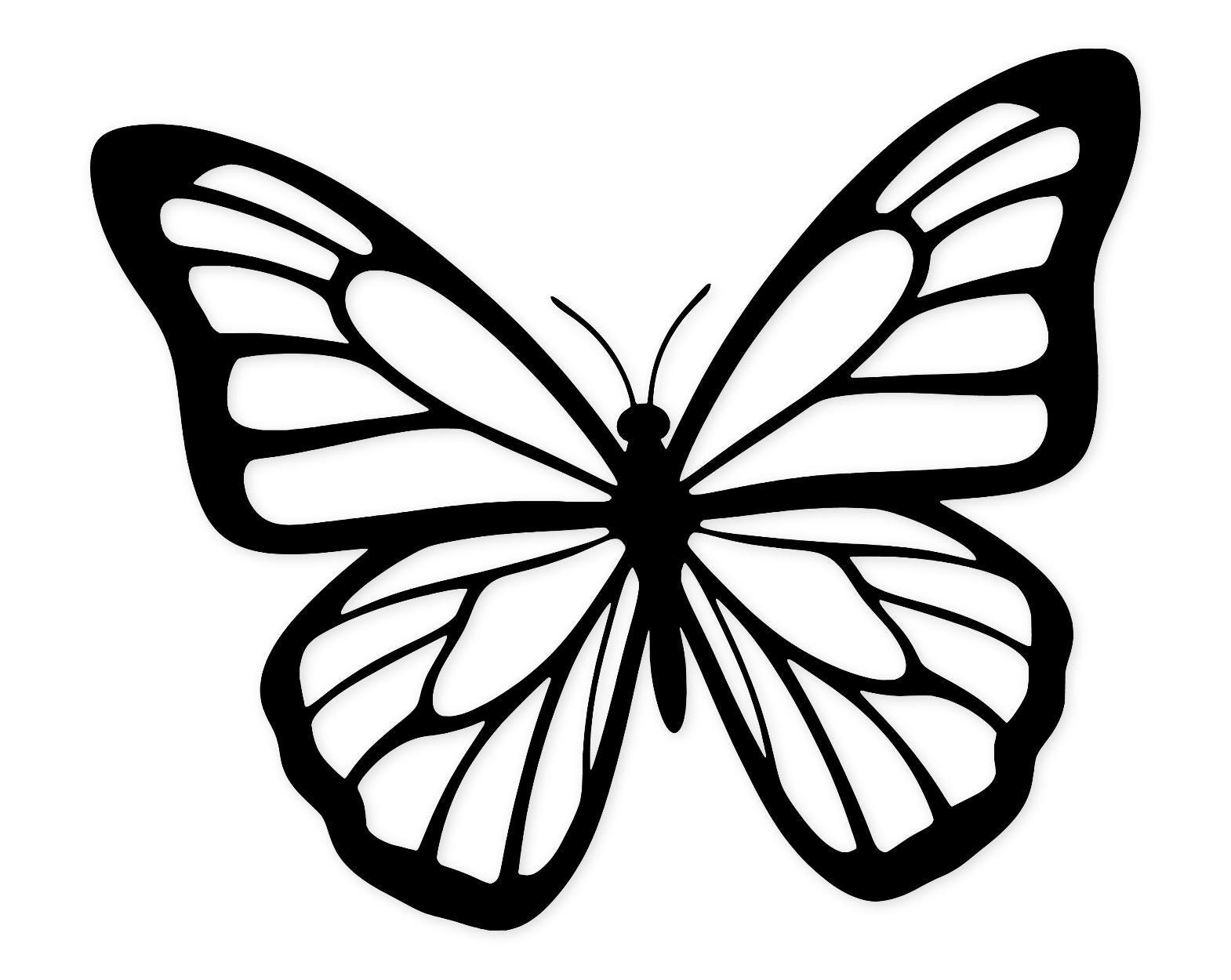
Mastering cut file formats does not have to be complicated. Once you know that SVGs are your go-to for clean cuts, PNGs are your best friend for printing, and DXFs bridge the gap for basic software users, every project becomes much simpler. Grab the right format for your specific machine, like the intricate lines found in the Open Wings Butterfly Art Svg Png: Cut Ready Digital Design For Cricut Silhouette, and enjoy a smooth, stress-free crafting session from start to finish.